Business·April 14, 2026
Client Deck Tomorrow. It's 8 PM. The Consultant's Playbook.
TL;DR
Client deck tomorrow. 8 PM. Four reports, no story yet. Here's the consultant's playbook to get a first synthesis and a draft deck, and pressure-test the story.
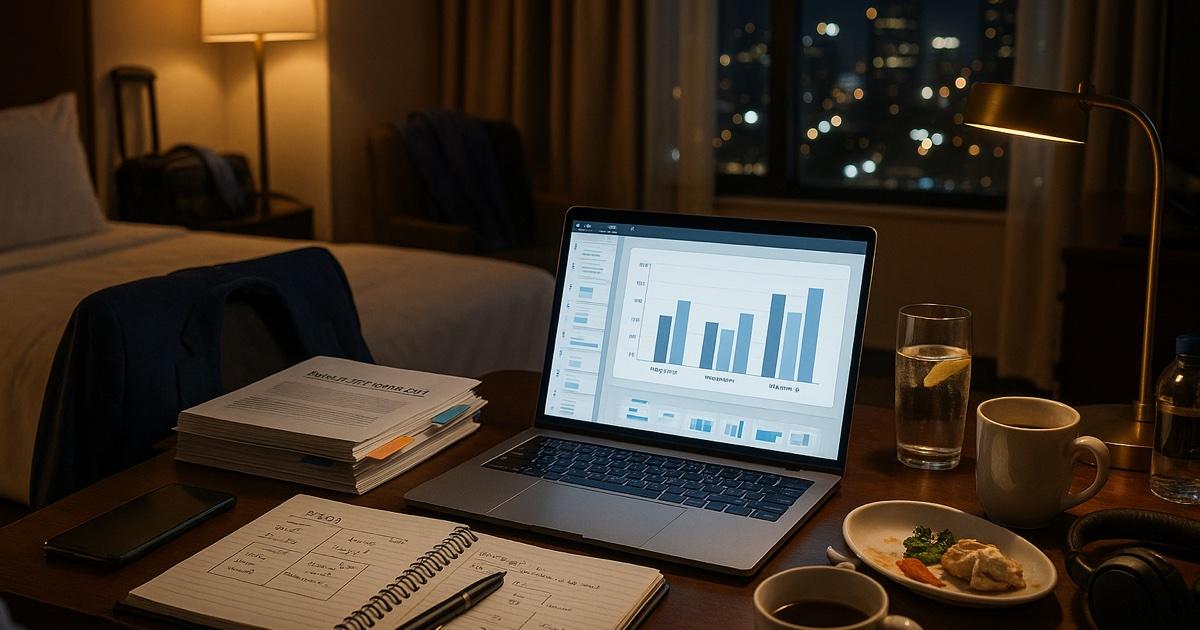
It's 8:14 PM. You are in a hotel room in a city you didn't fly into voluntarily. The drapes don't fully close. The ice machine is loud. Room service brought the wrong dressing.
The deck is due tomorrow at 9 AM. The partner reviews at 7 AM, which means it has to be in their inbox by 6:45. Which means tonight.
You have four sources to synthesize. The client's internal data dump (Excel, 14 tabs, six tabs unlabeled). An industry report your firm has licensed and has the right to use, 92 pages. The transcripts from three expert calls your team ran last week. And — generously — last year's deck on a similar problem from a different vertical, "for inspiration."
You have not yet started the slides. You also have not yet figured out the storyline. You have not figured out, in fact, whether the answer the data is pointing to is the same answer the partner has been hinting at on calls all week, which is a separate problem you'll deal with around 11 PM after the third coffee.
Every consultant has had this Tuesday. The deck-from-sources synthesis is the core grunt work of the job — and the part that, more than anything else, eats the late night.
Here is what actually works.
The move: stop staring at four documents at once
The mistake every consultant makes at 8 PM is opening four windows side by side, scrolling through each one, and trying to hold the synthesis in their head. The brain is not a synthesis engine. It's a pattern-recognition engine that gets dramatically worse around 10 PM.
Stop synthesizing in your head. Get the synthesis on paper. Then judge it, edit it, and turn it into the deck.
The playbook
Step 1. Upload the stack
Open CorpGPT. Drop in:
- The client's data dump (Excel, CSVs, the operating model PDF, the org chart).
- The licensed industry report — material you have the right to use.
- The expert call transcripts (three of them).
- Last year's "comparable" deck, sanitized.
- Anything else on the project shared drive that's been on your reading list.
Everything in one searchable place.
Step 2. Get the synthesis
Open the Make pane ("Make from these sources"). Run, in this order:
- Mind map of the four sources. It's built from the ten or so passages that best match, so it's a first sketch of how they connect — useful for spotting the synthesis before you commit to a storyline, not a complete inventory.
- Executive brief — let the AI summarize the source docs into a one-page summary of the key facts, themes, and tensions it finds. Like most Make formats it reads about ten passages (a slide deck reads more), so the 92-page industry report gets its best-matching parts, not every page. This is your raw material for slide 2.
- Key insights list — ask Chat for the eight to ten most defensible claims that emerge across the sources; Chat names the source document, and the page, slide or section when CorpGPT can place it.
- Slide deck draft — a draft deck with slide titles, bullets, and speaker notes. Let it build the deck straight from the report so you start from slides, not a cursor blinking on an empty canvas.
Once they finish — the deck takes longest — you have a coherent first draft of the story. It is not the final answer. It is, however, a much better starting point than a blank slide.
Step 3. Decide the storyline
This is the part the tool can't do. The framework, the punchline, the "so what" — that's you.
Look at the executive brief and the key insights. Decide:
- What's the headline? One sentence. The chart that goes on slide 1 is the chart that supports this sentence.
- What's the storyline? SCQA, pyramid, three-act — pick a structure. Sketch it on the hotel notepad. Five bullets max.
- What's the recommendation? What is the client supposed to do differently because of this deck?
Now you know what the deck is.
Step 4. Pressure-test before you build
This is where the tool earns its keep. Open Chat and ask the questions a brutal partner would ask:
- "What's the weakest argument in the executive brief?"
- "Where do the four sources disagree, and which one wins?"
- "What's the obvious counterargument the client's CFO will raise?"
- "Which claims here are not actually supported by the source data we uploaded?"
- "Are we cherry-picking? Where?"
- "What would change my mind about the recommendation?"
Chat names the source document, and the page, slide or section when CorpGPT can place it. You either find the supporting data, you soften the claim, or you cut the slide. Better to find the gap in the hotel room than in front of the client.
Step 5. Build the deck
You now have:
- A storyline.
- A pressure-tested set of insights.
- A first draft of titles and bullets.
- A list of charts you need from the data dump.
The actual building — the polish, the chart formatting, the brand-compliant template, the executive voice — is still you. But you're filling in a structure, not staring at blanks. What you build is a deck on a storyline you chose, with claims you checked.
If your firm uses a templated deck system, the Make pane can generate an infographic (Info Graphics) from the same sources — useful for the appendix or the "summary slide" the partner always asks for.
Step 6. Do the partner pre-mortem
Before you call it: upload the draft deck and ask Chat one more time.
- "Pretend you are [partner name]'s style of partner — incisive, skeptical, fast. Read this deck and give me the three questions you'd ask first."
Whatever it gives you, that's where you need a backup slide or a one-liner ready. Add a backup section. Now you've already lived through the partner review and survived.
Send it
What goes to the partner: a deck built on a storyline you decided, the claims you pressure-tested against the sources, and a backup section for the questions you expect.
Beyond the one deck: the consultant's library
Once you've used CorpGPT for one project, the real win is in the second project.
Build a library of every prior deck (sanitized)
Drop your team's past sanitized decks into a collection in My Documents. Industry primers. Expert call transcripts. Frameworks documents. Market research your licence lets you reuse. Ask Chat — describe what you're looking for, like "the deck where we used the maturity-curve framework on a SaaS pricing case", and Chat searches for the passages that best match and names the document they're in. Your second project gets dramatically faster because your firm's IP finally acts like IP.
Use My Courses to ramp on a new industry fast
Staffed on a vertical you've never worked in? Upload three industry primers, two analyst reports, and a textbook you have the right to use. Pick them in My Courses and CorpGPT plans a course from them — each module eight steps, from a summary to a quiz — to work through before your kickoff call. Walk in able to ask intelligent questions instead of taking notes silently.
Add expert calls (with consent)
Upload the expert call's audio recording (audio files up to 50 MB) or its transcript. Record audio (Sources pane → Add → Record audio) uses your device's microphone, so it only captures a conversation held in the room. Either way the transcript lands in your library. You stop re-listening to recordings. The expert's quote you need at 9:47 PM the night before the deck is one Chat question away.
The features doing the work
Make pane — slide deck draft, Executive brief, mind map, infographic — built from the documents you pick and saved to Things I've made.
Chat across everything — synthesis Q&A, pressure-testing, and recall of any prior project artifact across your library by intent, answers that name the source document, and the page, slide or section when CorpGPT can place it. The substitute partner-in-the-room at 8:47 PM.
My Courses — fast vertical ramp before a kickoff: a course built from your primers, worked through on your own before the partner sees you stumble on the first call.
Record audio — team meetings in the room (it records your device's microphone); upload the expert call's audio file (MP3, M4A…, up to 50 MB) instead. The Transcript tab shows who spoke; Chat searches the text.
Why this actually works
Three forces are doing the real work.
First, synthesis is a search-and-organize problem before it's a creative problem. The "what does the data say" part is mechanical. The tool pulls a first draft of it together. The "so what" — the framework, the punchline, the recommendation — is human, and it's easier to do once the synthesis is on paper.
Second, sourced numbers make the story defensible. When the client's CFO asks "where does this number come from?" mid-meeting, you can ask Chat and get an answer that names the source document, and the page, slide or section when CorpGPT can place it. That changes how clients receive the work.
Third, your firm's IP finally compounds. Every project's research, primers, frameworks, and sanitized deliverables make the next project's first night faster. That's the entire point of being at a consulting firm. Most firms fail to do this. Your library in My Documents is how it actually starts to work.
What this can't do
Be honest about this.
CorpGPT does not do strategy. It does not have client context, partner judgment, or the gut sense from twenty engagements that tells you when the data is leading you somewhere unhelpful. It does not pick the framework. It does not write the punchline. It does not know that the client's CEO has a strong personal opinion about pricing and you should soften slide 7.
What it does is the synthesis, the first draft, the pressure-test, the citation discipline. The grunt work that used to eat the night. The thinking — the framework choice, the storyline, the recommendation — is still you. The deck is still your deck. The tool just gives you back the hours you used to lose to flipping between PDFs.
The bottom line
Client deck. Tomorrow at 9. Four reports. It's already 8 PM.
You get a first synthesis on paper. You decide the storyline. You pressure-test it against the sources. You build the deck on that.
Then go to bed.
Open CorpGPT. Upload the four reports. Open the deck.
Keep reading
- It's 9 PM and You're Not a Lawyer — how small business owners read vendor contracts, find the clauses to question, and know when to call a lawyer.
- 200-Page Contract at 4:45 on a Friday — how lawyers find the clauses that matter in a weekend ambush.
- Tax Code Changed. Again. — how accountants translate new tax rules into client-ready answers they can check against the source documents.
- Two Minutes Before the Client Call — how financial advisors prepare for client calls from the fund documents they uploaded.
- Eighty Pages of Policy. Find the Clause. — how insurance agents find a clause in a long policy form and read what it says.
- Ten Minutes Between Sessions — how therapists study their training material and CE and draft psychoeducation handouts, with client information kept out.
- Beat the Binder: The Nurse's 12-Hour Shift Playbook — how nurses study unit policies and protocols with cited answers.
- Doctors: Study Your Guidelines, Draft the Admin — how physicians study the guidelines they uploaded and draft the non-patient admin, away from patient care; answers name the source document, and the page, slide or section when CorpGPT can place it.
- Find the Guideline Behind 'Will I Qualify?' — how mortgage brokers find the guideline section behind a client's question and read it; the lender makes the call.
- Turn One Chapter Into a Week of Lessons — how teachers build a full week of materials from a single source chapter.
- Your Client Wants 30 Listings by Saturday — how real estate agents review 30 disclosure PDFs.
- Cram 400 Pages Before Morning — the student version of the same playbook.
- Another Meeting to Recap the Last Meeting — how project managers turn meeting recordings into the summary, decisions, and action items.
- Answer Once. Help Forever. — how HR managers answer handbook questions with cited answers.
- Prep the Hiring-Manager Intake — how recruiters turn the JD and scorecard into a reading checklist and prep the intake; the resumes and the decisions stay with the recruiter.
- How Are You Different From [Competitor]? — how sales reps prepare cited battlecard answers before the call and draft the follow-up after it.
- Brand Says Bold. Legal Says Careful. — how marketing managers draft campaigns and prepare them for brand and legal review.
- Seventeen Transcripts. One Deadline. — how writers turn a pile of interview transcripts into themes, pulled quotes, and a working outline.
- Ninety-Minute Interview. Show Notes by Tuesday. — how indie podcasters draft the post-production package from one episode's transcript.
- Sixty Videos In. Did I Already Post This? — how content creators turn their back catalog into a searchable content brain.
- Sixty Papers. One Lit Review. One Weekend. — how researchers turn a stack of PDFs into summaries, themes, citations, and gaps.
- Three Investor Meetings. Three Different Decks. — how founders tailor a pitch per investor.
- 47-Page Brief. Proposal Due Friday. — how freelancers turn dense briefs into a first proposal draft.
- Your Kid Just Asked About Algebra. — how parents help with homework using the actual textbook.
- Medicare Sent a Letter. 12 Pages. Tiny Font. — how older adults turn any letter into a plain-English one-pager.
- See all use cases — consultants, small business owners, therapists, nurses, doctors, insurance agents, advisors, accountants, lawyers, brokers, agents, teachers, students, and more.
- Plans & pricing — a free Trial to start, no credit card required.
Ready to try it yourself?
Upload any document and see it in action. Free to start, no credit card.
Start My Free Workspace