Business·February 10, 2026
It's 9 PM and You're Not a Lawyer: The Small Business Owner's Playbook
TL;DR
9 PM, twenty-page vendor contract, sign by morning. You're not a lawyer. Here's the small business owner's playbook to spot the traps before they sign.
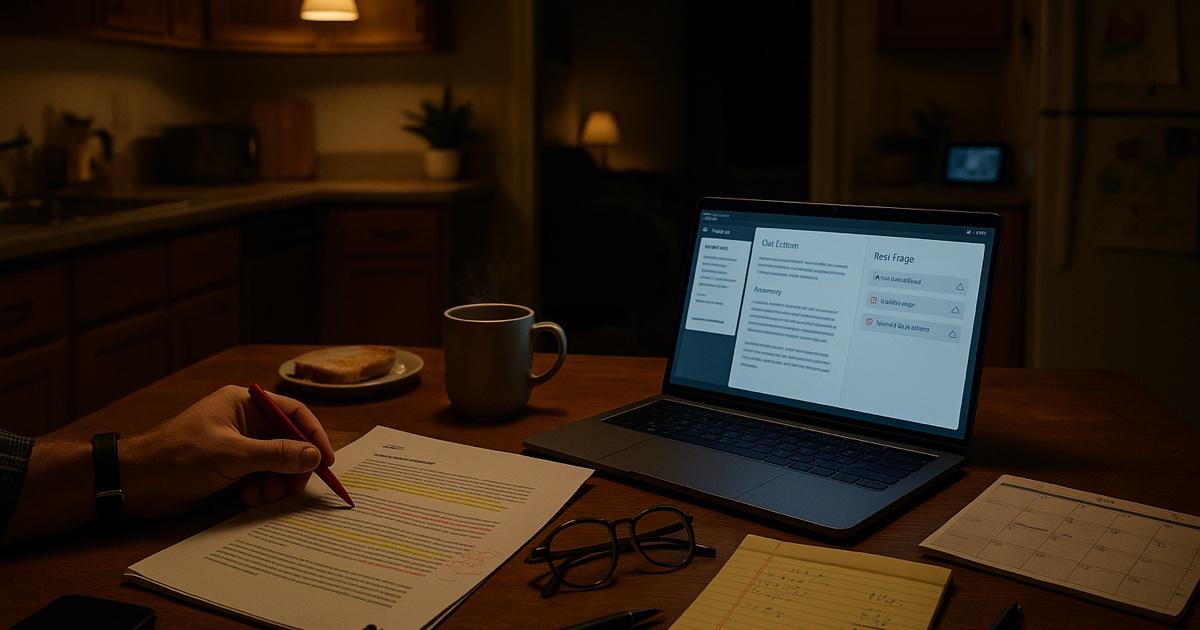
It's 9:14 PM. The kids are finally asleep. The dishwasher is running. You have a twenty-page vendor contract open on your laptop because the account exec wants it signed "by end of week" and this is the first hour you've had to look at it.
You are, in the legal-and-strategic-counsel sense, completely alone. Your CFO is you. Your general counsel is you, approximately, if you squint. Your contract review team is also you, plus whatever you can remember from the last one of these you signed.
There's a clause on page 7 about auto-renewal. There's something on page 12 about limitation of liability that might matter. There's a "Term and Termination" section on page 14 that you should probably read twice. There's an indemnity section on page 17 that says "indemnify" nineteen times. There's probably something important on page 19 too but honestly at this point you are skimming.
Every small business owner has this Tuesday. Vendor contracts. Commercial leases. NDAs from potential customers who want you to sign before they'll even get on a call. SaaS terms of service that are a hundred pages because they include the TOS of seven sub-processors. You have a company to run. You are not a lawyer. You also can't afford to miss the one clause that costs you thirty grand in eighteen months.
Here is what actually works.
The move: stop reading front to back
The mistake every owner makes at 9 PM on a contract is starting on page one. Contracts aren't written to be read linearly. They're written to be reviewed by someone who already knows what to look for.
You don't. That's fine. The tool knows what to look for — AI contract review reads the whole document and surfaces the risky clauses for you. You just want the list, in plain English, cited back to the clauses so you can verify anything that surprises you.
The playbook
9:14 PM. Drop it in (1 min)
Open CorpGPT. Drag the contract in. If there are exhibits, schedules, SLAs, or an Order Form — drop them in too. If your own Master Services Agreement template is the one being "accepted" here, drop that in as well so the tool can compare.
While it processes, refill the water glass.
9:15 PM. Get the plain-English summary (2 min)
Open Knowledge Studio. Ask for:
- Plain-English summary — one page covering: what you're buying, what they're providing, how long, what it costs, how it renews, how you get out, who owns what, and who's liable for what. Written for a human, not a lawyer.
- Red flag list — every clause that a reasonable SMB shouldn't accept without negotiation or at least knowing about: auto-renewal, uncapped liability, unilateral price increases, unilateral termination, indemnities that flow only one direction, jurisdiction locks, IP or data ownership issues.
Two minutes. Two outputs. You now know the shape of the deal without having read it.
9:17 PM. Interrogate Nova (10 min)
Open the Digital Assistant (Nova) sidebar on the same screen. Ask the questions a careful business owner would ask a lawyer if they had one:
- "What happens if we need to cancel six months in? What notice do we have to give, and are there any penalties?"
- "Can the vendor raise prices mid-term? Is there a cap?"
- "What's our total exposure if something goes wrong? Is it capped?"
- "Who owns the data we put into this tool? What happens to it if we leave?"
- "If they breach the contract, can we terminate? What's the cure period?"
- "If we breach, what can they do? Same cure period?"
- "Is there an auto-renewal? What's the notice window and when does it trigger?"
- "Is there anything in here about exclusivity or non-compete? How broad?"
- "Where do disputes get resolved? Is there a mandatory arbitration clause?"
Each answer cites the exact clause. You click through to verify anything that matters.
Ten minutes. You now know this contract better than most of your peers know any contract they've ever signed.
9:27 PM. Decide the three things (5 min)
Your decision list:
- Sign as-is — the deal is standard, the terms are fair, the auto-renewal has a reasonable window. Sign.
- Sign with edits — there are one to three clauses you want to push back on. Ask CorpGPT: "Draft a one-paragraph reply to the account exec asking for these three changes, in a friendly professional tone." Send it.
- Stop and call a lawyer — the deal is bigger than you thought, the exposure is real, or there's something in here (non-compete, exclusivity, personal guarantee) that is above your pay grade to decide alone. Put it down. Email your attorney in the morning.
For a standard vendor contract, 80% of the time you land on (1) or (2). For the other 20% — acquisitions, major leases, partnership deals — you've now saved your lawyer's time and money by going in with specific questions instead of "please read this."
9:33 PM. Sign or don't
Either way: you know what you're signing. You didn't gamble at 9 PM on a Tuesday.
Beyond the one contract
Build a contract library
Drop every vendor contract, SaaS agreement, NDA, commercial lease, and employment agreement into a Knowledge Base folder — "Active Contracts — 2026." Every renewal, every new vendor, every "hey, what did we sign with that supplier?" moment is a two-second lookup.
Use Intelligent Search to find anything
"The SaaS tool with the 60-day cancellation window" — found. "The lease with the CPI escalator" — found. "The NDA we signed with that company we're now trying to acquire" — found. Your filing cabinet finally works like the internet.
Run a renewal audit quarterly
Once a quarter, upload every active contract (or keep them in the folder) and ask: "Which of these contracts auto-renews in the next 90 days? What's the notice window to get out? Which ones have price escalators and when do they trigger?"
You find out about the auto-renewing $800/month SaaS you forgot about before it renews. That one audit pays for a year of CorpGPT by itself.
The features doing the work
Knowledge Studio — plain-English summaries, red-flag lists, renewal summaries, reply drafts to the account exec. Each output under 60 seconds.
Digital Assistant (Nova) — ask any question about any contract you've uploaded, get a cited answer. No Ctrl-F. No re-reading clauses you already read.
Intelligent Search — find contracts and clauses across your whole library by intent, not exact keyword.
My Tutor — when a vendor drops a new product agreement that's actually complex (think distribution agreements, revenue-share deals, licensing), a 20-minute guided session gets you up to speed before the call.
Live Recording — record vendor and customer calls (with consent). Get the transcript. Cross-reference what they promised on the call against what's in the signed contract.
Why this actually works
Three forces are doing the real work.
First, red flags are pattern-matching. The tool has read enough contracts to know what a standard auto-renewal looks like, what an unusual one looks like, and what a predatory one looks like. You don't have to know the difference in advance. The tool tells you where to look and cites the clause.
Second, citations make it defensible. Every flag points to a specific section. You push back on the vendor with "clause 8.2 says X" instead of "the contract says somewhere that…". Vendors take the first one seriously. They ignore the second one.
Third, your contract library finally compounds. Every new vendor contract makes the next review faster because you now have your precedent searchable. "Last time we signed a cloud-hosting agreement, we negotiated the SLA to 99.95% — let's do that again here" is a thirty-second lookup, not a "where did we put that thing?"
What this can't do
Be honest about this.
CorpGPT is not your lawyer. It doesn't give legal advice. It doesn't represent you in a negotiation. It doesn't know your risk tolerance, your business's specific regulatory environment, or the fact that this vendor sued their last customer. For anything material — an acquisition, a major lease, a partnership, a personal guarantee, anything with the word "exclusive" in it — get a lawyer.
What it does is handle the 80% of contract review that doesn't need one. The plain-English summary, the red flags, the "can they raise prices mid-term?" question, the auto-renewal audit. That's the grunt work. The judgment calls, the strategic trade-offs, the high-stakes negotiation — that's you (or your lawyer, when the stakes justify it).
The bottom line
Vendor contract. Twenty pages of legal. It's 9 PM. You are definitely not a lawyer.
Now it takes twenty minutes, not the weekend. Now you know what's in it. Now you sign with your eyes open, or you push back with specifics, or you stop and call a lawyer before you sign something you shouldn't have.
Sign smart. Sleep soundly. Run the business — not the filing cabinet.
Open CorpGPT. Drop the contract in. Go to bed.
Keep reading
- 200-Page Contract at 4:45 on a Friday — how lawyers catch every trap in a weekend ambush. The professional-grade version of this same playbook.
- Tax Code Changed. Again. — how accountants translate new tax rules into client-ready answers with citations in seconds.
- Two Minutes Before the Client Call — how financial advisors sound sharp on every unscheduled portfolio call with cited research.
- Claim Denied. Find the Clause. — how insurance agents pinpoint the exact exclusion in an 80-page policy.
- Ten Minutes Between Sessions — how therapists keep their clinical library, CE, and psychoeducation handouts one prompt away.
- Beat the Binder: The Nurse's 12-Hour Shift Playbook — how nurses turn hospital formularies into instant cited answers at the bedside.
- Doctors: Stop Charting After Hours — how physicians finish documentation before lunch instead of after dinner.
- Answer 'Will I Qualify?' in Seconds — how mortgage brokers answer clients on the first call.
- Turn One Chapter Into a Week of Lessons — how teachers build a full week of materials from a single source chapter in one evening.
- Your Client Wants 30 Listings by Saturday — how real estate agents review 30 disclosure PDFs in one afternoon.
- Cram 400 Pages Before Morning — the student side of the same playbook.
- Client Deck Tomorrow. It's 8 PM. — how consultants synthesize four reports into a draft deck and pressure-test the story before midnight.
- Another Meeting to Recap the Last Meeting — how project managers record meetings and ship the summary, decisions, and action items in two minutes.
- Answer Once. Help Forever. — how HR managers turn the handbook into a self-serve, cited-answer assistant and finally take a lunch break.
- 200 Resumes. One Hour. — how recruiters surface signal from a 200-resume pile and walk into the hiring manager intake actually prepared.
- How Are You Different From [Competitor]? — how sales reps get instant cited battlecard answers mid-call and do the follow-up in five minutes.
- Brand Says Bold. Legal Says Careful. — how marketing managers ship campaigns on time with brand and legal both signed off.
- Seventeen Transcripts. One Deadline. — how writers turn a pile of interview transcripts into themes, pulled quotes, and a working outline.
- Ninety-Minute Interview. Show Notes by Tuesday. — how indie podcasters ship the entire post-production package from one upload.
- Sixty Videos In. Did I Already Post This? — how content creators turn their back catalog into a searchable content brain.
- Sixty Papers. One Lit Review. One Weekend. — how researchers turn a stack of PDFs into summaries, themes, citations, and gaps.
- Three Investor Meetings. Three Different Decks. — how founders tailor a pitch per investor.
- 47-Page Brief. Proposal Due Friday. — how freelancers turn dense briefs into proposals in hours.
- Your Kid Just Asked About Algebra. — how parents help with homework using the actual textbook.
- Medicare Sent a Letter. 12 Pages. Tiny Font. — how older adults turn any letter into a plain-English one-pager.
- See all use cases — small business owners, therapists, nurses, doctors, insurance agents, advisors, accountants, lawyers, brokers, agents, teachers, students, and more.
- Plans & pricing — free tier included, no credit card required.